
How to verify your email address
Unlock every Nexar service by confirming your email with a 6-digit code.
Verifying your email address protects your account and unlocks every Nexar service.
What needs a verified email
- One-time virtual numbers
- Gift cards
- Social media boosts and buying accounts
- Proxies
- Bounty submissions and the reseller programme
You can fund your wallet, convert, buy eSIMs and rental numbers, and pay bills without verifying.
Verify your email
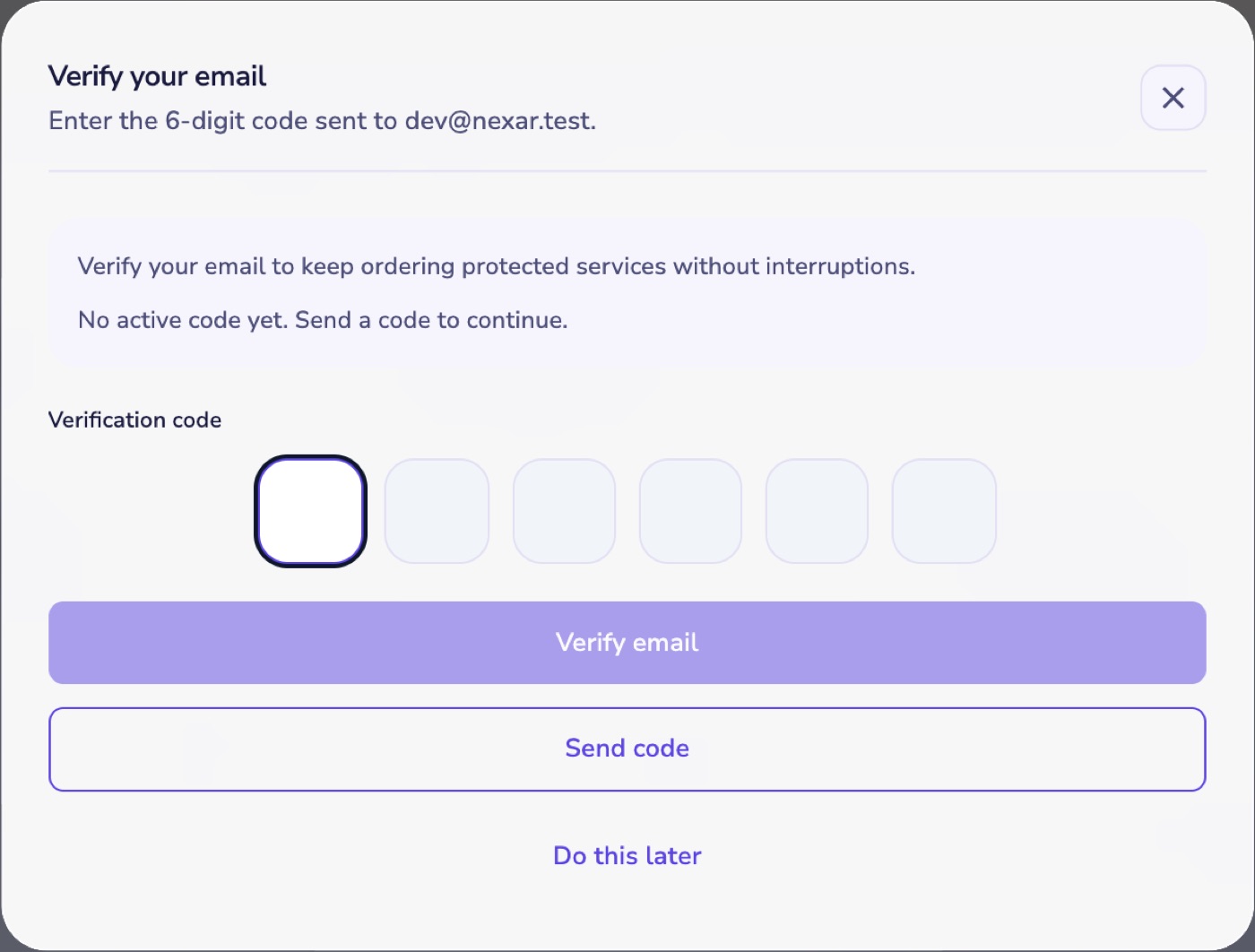
- When Nexar asks you to verify, select Send code. On the web you can also start from your Profile.
- Enter the 6-digit code from your email and select Verify email.
Code didn't arrive?
- Check your spam or promotions folder.
- Each code lasts 10 minutes. You can ask for a new one after 60 seconds.
- After 5 wrong tries the code stops working, so request a new one.