
Two-factor sign-in with email codes
How sign-in codes work, how to turn them on, and what to do if one doesn't arrive.
With two-factor sign-in (2FA) on, we email you a code each time you sign in, after your password. Someone who knows your password still can't get in without access to your email.
Turn it on or off
- Web: open Profile and use the 2FA switch under Security.
- App: open Settings and use 2 Factor Authentication.
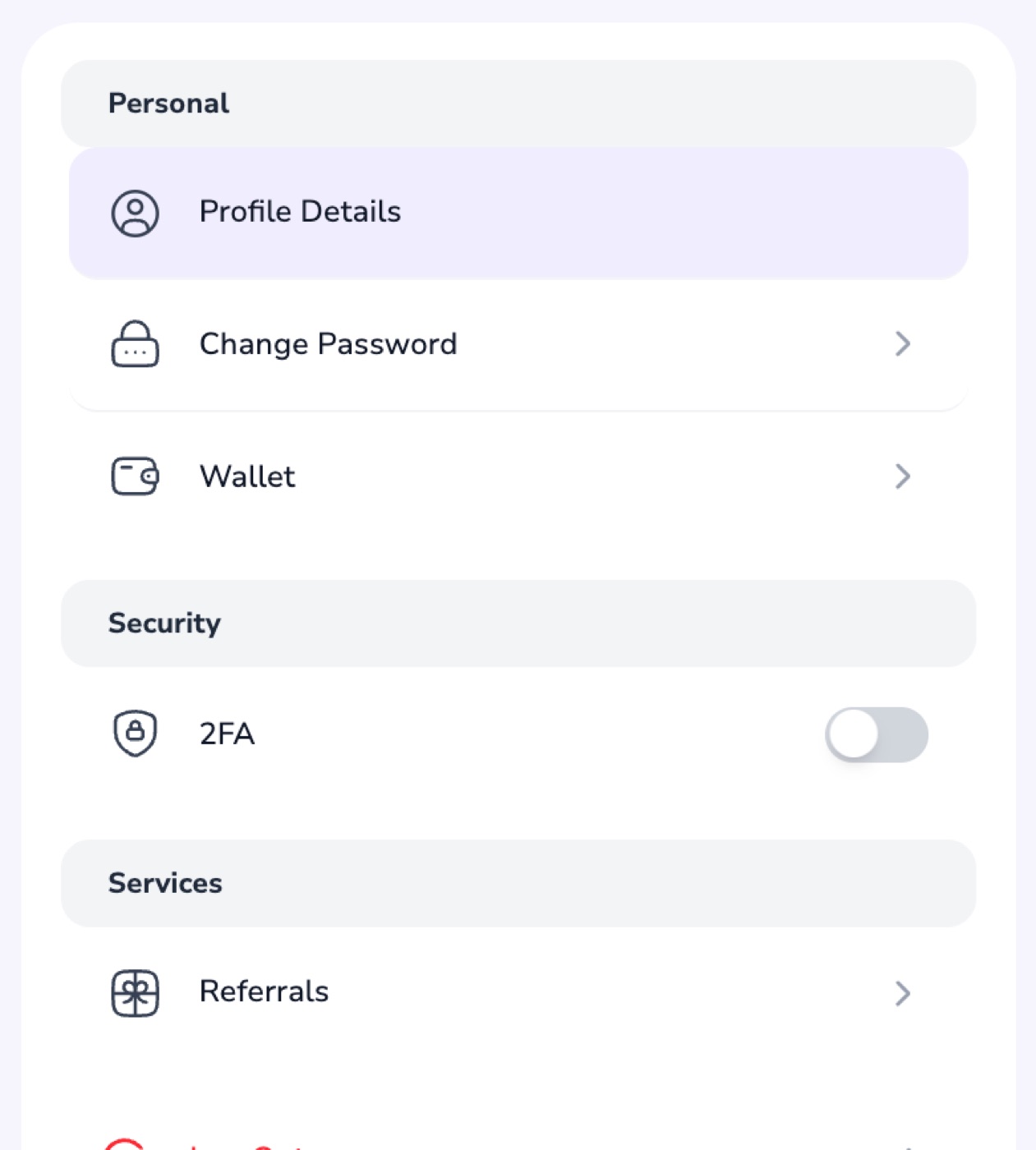
Signing in with 2FA
- Enter your email and password as usual.
- Enter the 6-digit code we email you. It's valid for 2 hours.
Code didn't arrive?
- Check your spam or promotions folder.
- In the app, tap Didn't receive a code? to get a new one. On the web, sign in again.
Nexar's codes always come by email, so there are no backup codes to keep. If you've lost access to your email, email support@nexarhq.com or message us on Telegram.