
Finding and redeeming your gift card code
Where your code is, how to reveal it, and what to do if it won't redeem.
Your gift card code is saved in your Nexar account, and a copy is emailed to the recipient email you entered.
Find your code
- Web: go to Gift Cards, open My cards and select the card. Under Redeem code, select Reveal.
- App: open the gift card order to see the Card Number, PIN and Redemption URL.
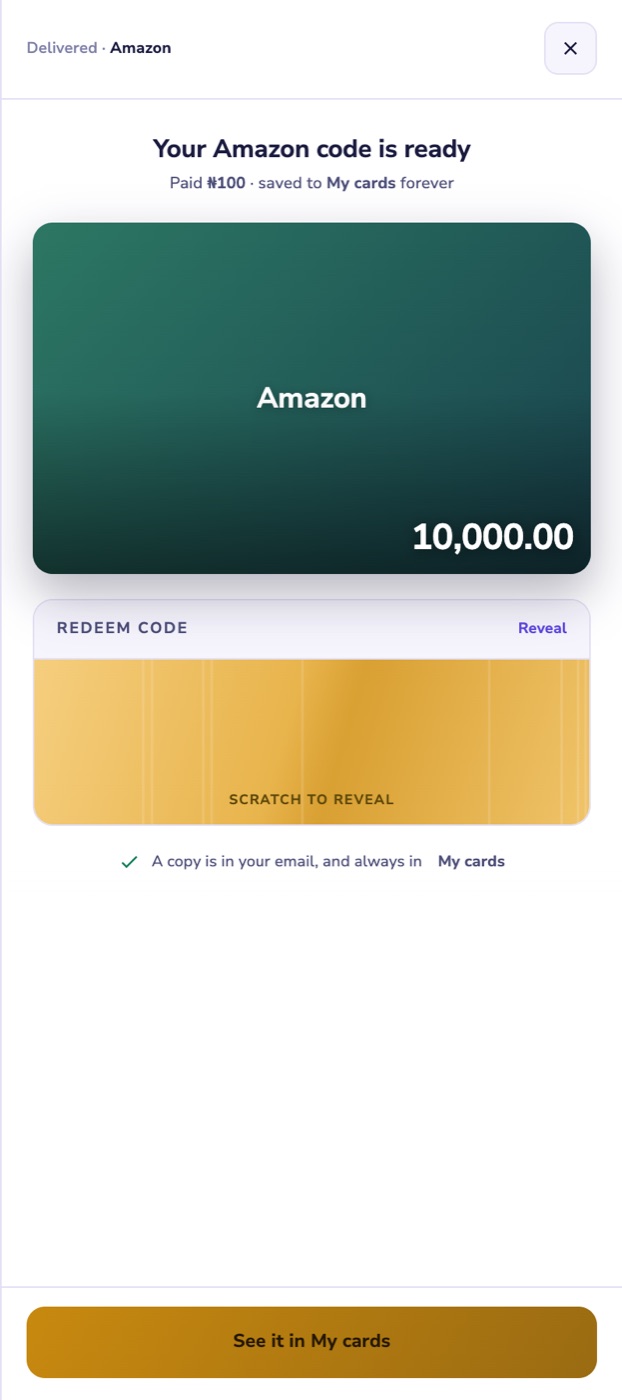
If the card is still being issued, the code appears as soon as it's ready, usually in under a minute.
Redeem it
- Follow the How to redeem steps on the card's page. They come from the brand.
- Redeem the card in the store for the country you bought it for.
- Copy the code exactly, including any dashes.
Code not working?
Open Help, choose My order, pick the card, then My gift card code isn't working. Include a screenshot of the error from the store. A card that has been delivered can't be refunded, but we'll look into it.