
My deposit hasn't shown up
What to check when money you sent isn't in your wallet yet, and what to send us.
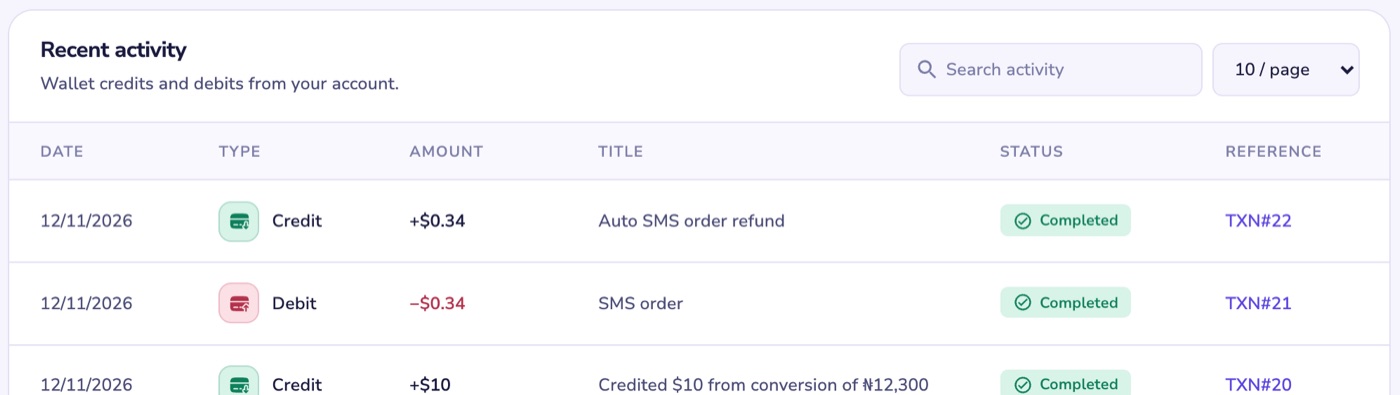
A deposit only appears in your transaction history once it has been added to your wallet. So if you can't see it there, it hasn't been credited yet.
Check these first
- The right wallet. Card and bank payments go into your naira wallet. Crypto goes into your dollar wallet.
- Bank transfer at checkout. These can take a few minutes to confirm. We check again every two minutes for up to 48 hours and credit you as soon as Nomba confirms.
- Transfer to your Nexar account number. These are credited as soon as Nomba tells us the money arrived.
- Crypto. Make sure you sent USDT on the TRON (TRC20) network to the address shown in Fund wallet.
Still missing? Send us these
- The email address on your Nexar account
- The amount, and the date and time you paid
- How you paid: card, bank transfer, your Nexar account number or crypto
- A screenshot of your bank receipt showing the sender's name and bank, or the crypto transaction ID (TxID)
Screenshots can be JPG, PNG or WebP files up to 5 MB.
To send them, open Help, choose My wallet or transaction, then My funds did not reflect and Message support.