
You land in a new country, turn off airplane mode, and everything seems fine. Messages start coming in. Google Maps opens. Social media loads normally.
Then you see a small warning on your screen.
“Data roaming charges may apply.”
Most people ignore it. After all, you are just checking directions or replying to a few messages.
The real problem shows up later when you return home and check your bill.
For many Nigerians traveling abroad, data roaming is one of the most expensive travel mistakes. It works quietly in the background and drains money without clear warnings.
In this guide, you will learn what data roaming really means, how roaming charges work, why Nigerians are affected the most, and how to stay connected abroad without stress using smarter alternatives like travel eSIMs.
What Is Data Roaming?
Data roaming happens when your phone connects to the internet using a mobile network outside your home country.
When you leave Nigeria, your SIM card can no longer connect to your local network. Instead, it connects to a foreign network that has an agreement with your Nigerian provider. That connection is called roaming.
With data roaming, you can still:
• Browse the internet
• Use social media apps
• Access Google Map
• Send emails and messages
• Make and receive calls
The service feels normal, but the cost is very different.
How Data Roaming Works
Here is what happens when you travel abroad with roaming enabled.
- You arrive in a new country
- You turn on your phone
- Your phone searches for available networks
- It connects to a partner network
- You start using mobile data
- Your usage is tracked by the foreign network
- Your home provider bills you at roaming rates
All of this happens automatically. You do not approve the charges manually, which is why many travelers only notice the cost after the trip.
Why Data Roaming Is So Expensive
To fully understand roaming charges explained, you need to know how billing works.
Your home network pays the foreign network to carry your data. That cost is transferred to you, often with added fees.
Roaming charges usually include:
• High data cost per megabyte
• Expensive incoming and outgoing calls
• Charges for SMS messages
• Extra fees for hotspot usage
Just a few minutes of scrolling Instagram or loading Google Maps can cost more than an entire day of local data.
Hidden Data Usage While Roaming
Even if you are not actively browsing, your phone may still use data for:
• Email syncing
• App notifications
• Cloud backups
• Location services
• Software updates
This is why roaming charges can increase even when your phone is in your pocket.
Data Roaming in Nigeria: What You Should Know
For Nigerian travelers, data roaming Nigeria problems are very common.
Most Nigerian SIM cards do not offer affordable roaming plans. Even when roaming is available, the rates are often extremely high. Network stability can also be inconsistent.
Because of this, many Nigerians now turn off roaming completely and rely on better alternatives.
Pros and Cons of Data Roaming
Advantages
• Instant connection when you land
• No SIM card changes
• You keep your phone number
• Useful for emergencies
Disadvantages
• Very expensive
• Charges can start without warning
• Poor cost control
• Background apps consume data
• Unexpected billing after travel
Roaming is convenient, but it is rarely cost effective.
How to Control Data Roaming Settings
On iPhone
- Open Settings
- Tap Mobile Data
- Tap Mobile Data Options
- Turn Data Roaming on or off
On Android
- Open Settings
- Tap Network and Internet
- Tap Mobile Network
- Turn Data Roaming on or off
If you are not using a travel plan, it is best to turn roaming off.
How to Avoid High Data Roaming Charges
Here are smarter ways to stay connected while traveling.
Use a Travel eSIM
A travel eSIM is the easiest and safest option.
An eSIM is a digital SIM that gives you mobile data in another country without roaming. You buy it online, install it on your phone, and connect instantly when you arrive.
With a travel eSIM, you get:
• Prepaid data
• Local network speeds
• No roaming charges
• Full spending control
Nexar offers travel eSIMs designed for Nigerians and international travelers who want stress free internet abroad.
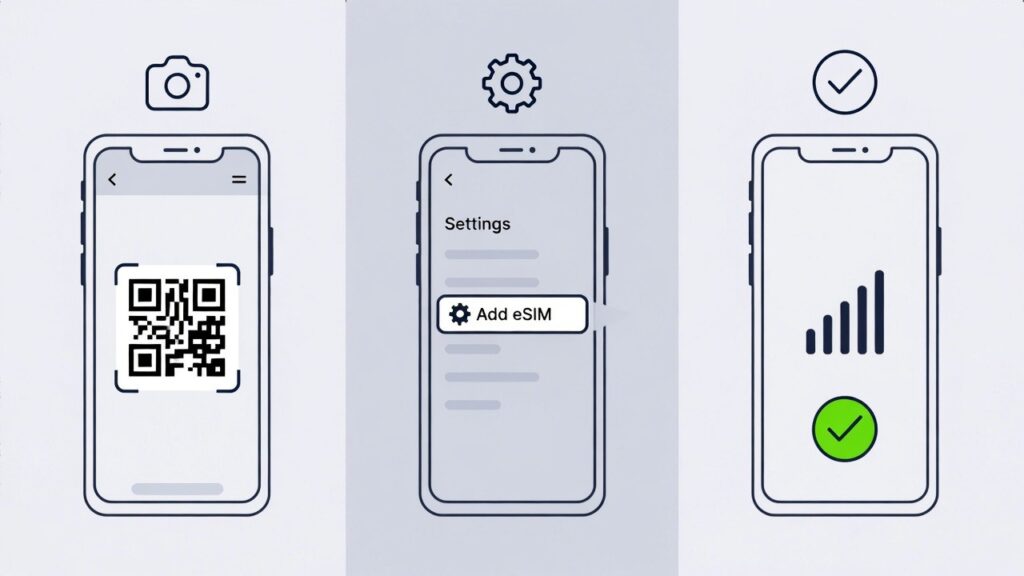
How to Activate Your Nexar eSIM
Once you purchase an eSIM from NexarHQ, activation is simple.
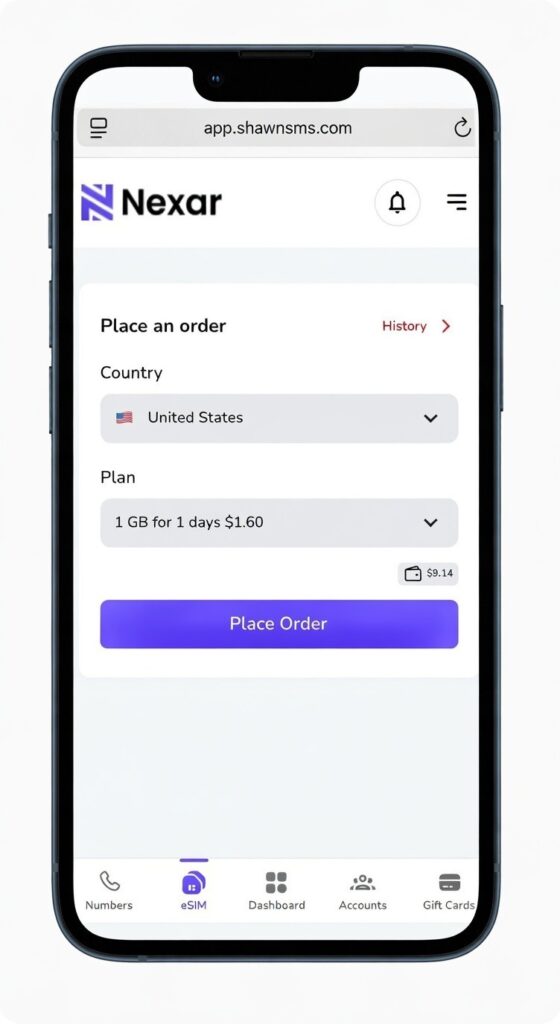
Step by Step Activation Process
- Log into your Nexar account
- Go to History
- Scroll right and tap the three dots
- Click View Details
- You will see a QR code
- Screenshot the QR code or open it on another device
- On your phone, go to Settings
- Tap Mobile Network
- Select Add eSIM
- Choose Use QR Code and scan it
- Wait for installation to complete
That is it. Your NexarHQ eSIM will be active and ready for use.
You can also watch this short video tutorial on Nexar that shows the full activation process step by step.
Why Choose Nexar Travel eSIM?
Data Only No Stress
Nexar eSIMs are data only. They do not support calls or SMS, but apps like WhatsApp, FaceTime, Skype, and Telegram work perfectly using data.
No Roaming Charges
With Nexar, you are not roaming. You get local internet access at fair prices without surprise bills.
Instant Activation
Buy your eSIM, scan the QR code, and connect. No store visits. No SIM swapping.
Affordable and Flexible
Whether you are traveling for a few days or several weeks, Nexar offers flexible plans that fit your budget.
How Nexar eSIM Works
Let us say you travel to Brazil.
As long as you are physically in Brazil, you can activate your Nexar Brazil eSIM and connect instantly. You get a local Brazilian data connection, which means fast browsing, smooth navigation, and reliable access to all your apps.
You do not need to buy a local SIM card or depend on slow airport WiFi. Just scan your eSIM and go.
Important Note
Nexar eSIMs work only within the country they are purchased for. A Brazil eSIM must be activated and used in Brazil.
Data Roaming vs Travel eSIM
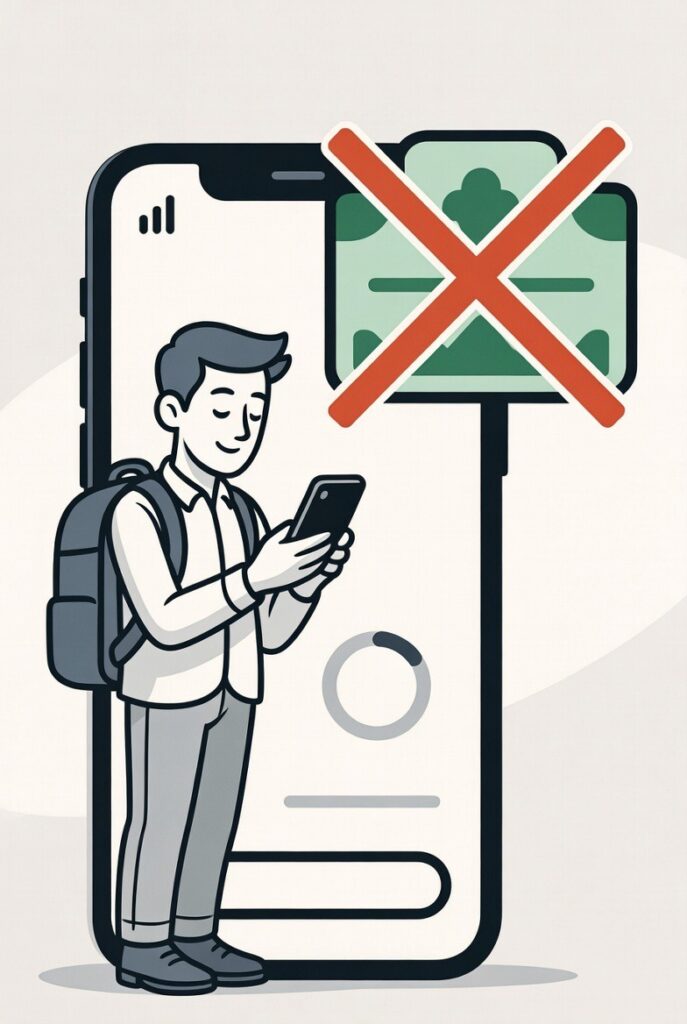
Data roaming is automatic but expensive and unpredictable.
Travel eSIMs offer:
• Clear pricing
• Local network access
• Faster speeds
• Better control
• No billing surprises
For frequent travelers and digital nomads, eSIMs are the smarter choice.
Frequently Asked Questions
Is data roaming the same as mobile data?
No. Mobile data at home uses your local network. Abroad, it becomes data roaming.
Should I turn off data roaming when traveling?
Yes, unless you are using a roaming plan or a travel eSIM.
Does data roaming drain battery?
Yes. Constant network switching can increase battery usage.
Can I receive calls if data roaming is off?
Yes. Turning off data roaming only affects internet usage.
Final Thoughts
Data roaming looks convenient, but it often comes with painful costs.
For Nigerian travelers especially, roaming charges can ruin a trip if you are not careful. The good news is that you now have better options.
By turning off roaming and using a travel eSIM from Nexar, you can stay connected anywhere in the world without stress, surprises, or unnecessary spending.
Travel smart. Stay connected. Keep your money.