Many Nigerians are hesitant to link their debit cards to international platforms like Netflix. The reasons are familiar: surprise renewals, failed reversals, security concerns, and cards being declined even when money is available.
You sit down for the weekend ready to relax. Snacks ready, a show queued, you click subscribe, and then it happens: payment declined. You try another card. Same result. At that point, the mood is gone.
If this sounds familiar, you are not alone. The good news is that you do not need a traditional debit card to pay for Netflix in Nigeria. There are safer and more reliable options, and this 2026 guide explains how to use them.
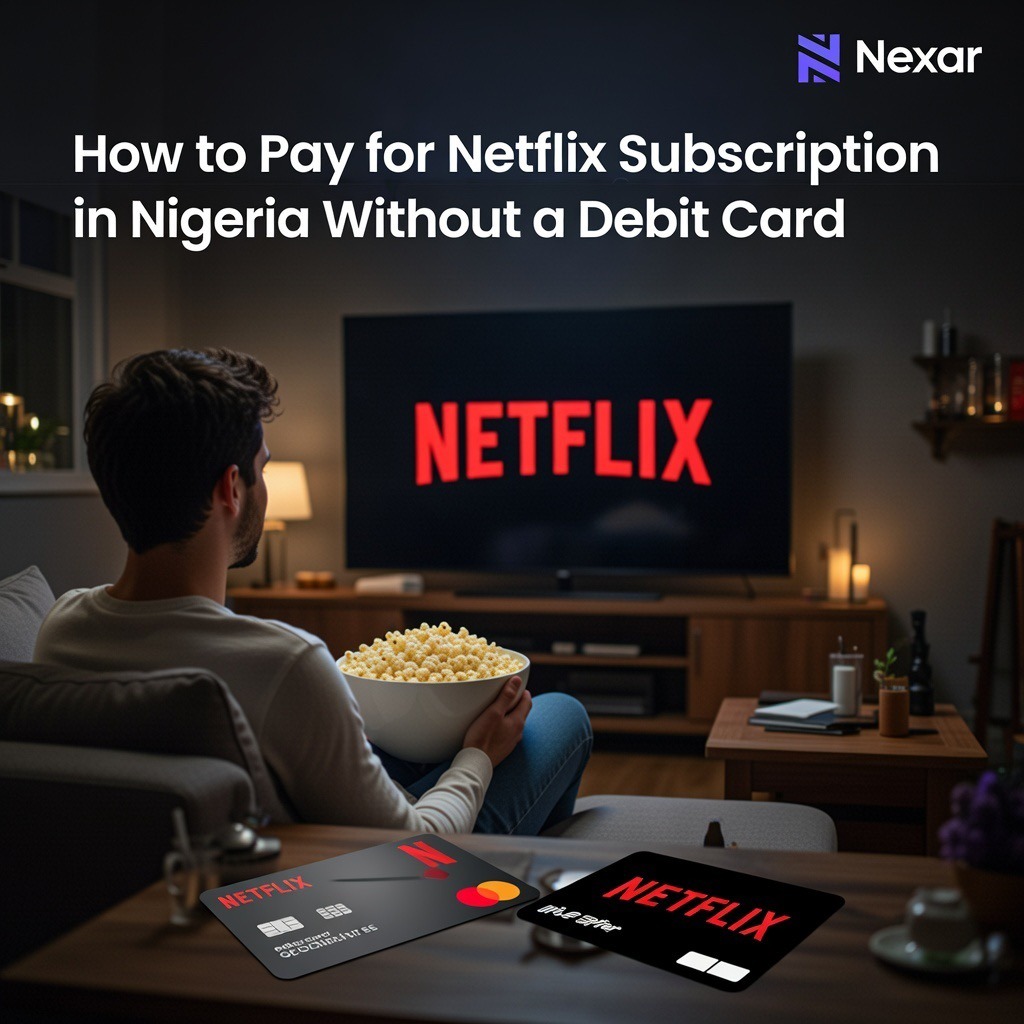
Why Nigerian Debit Cards Often Fail on Netflix
Most Nigerian naira cards are not fully enabled for international or recurring payments. Some banks block foreign transactions by default, while others limit spending because of forex restrictions. Netflix, like most global platforms, depends on both.
Common reasons Netflix payments fail include:
• international transactions being blocked
• naira-only cards without dollar support
• limits on recurring billing
• exchange rate fluctuations causing insufficient balance
Because of this, many users move to payment methods designed specifically for international services.
Top Netflix Payment Alternatives in Nigeria (No Debit Card Needed)
These are the most reliable ways to pay for Netflix in Nigeria in 2026:
1. Nexar Netflix Gift Cards (Best for Full Control and Zero Card Stress)
If you want the simplest and safest way to pay for Netflix in Nigeria, Nexar Gift Cards are the best option.
Instead of linking any card to Netflix, you simply buy a Netflix gift card from Nexar and use the balance to pay for your subscription. Netflix will deduct your monthly fee from the gift card until the balance runs out.
There is no debit card, no auto-renewal, and no risk of surprise charges.
Here is how it works with Nexar:
• Buy a Netflix Gift Card directly on Nexar
• Receive your code instantly
• Go to Netflix > Account > Redeem gift card or promo code
• Enter the code and apply it
Netflix will then use the gift card balance to pay for your subscription each month.
Why Nexar Gift Cards stand out:
• No bank card is linked to your Netflix account
• No automatic deductions from your bank
• Full control over how much you spend
• Instant delivery and easy redemption
• Works even if your debit card never works on Netflix
This is the best option for anyone who wants peace of mind and total control.
2. Virtual Dollar Cards (Best for Recurring Subscriptions)
Another easy way to pay for Netflix in Nigeria is by using virtual cards. Virtual dollar cards are prepaid digital cards that work like international debit cards. They are funded in naira and converted to dollars, but they are not connected to your main bank account.
They work well for Netflix because:
• they support international and recurring payments
• you decide how much money is on the card
• Netflix accepts them easily
• they reduce the risk of fraud and unexpected charges
Popular providers in 2026 include Cardtonic, Chipper Cash, Eyowo, Klasha, Dantown, and similar platforms.
To use one, sign up on a trusted platform, complete verification if required, fund the card with naira, and enter the card details on Netflix. Netflix will charge the card monthly as long as funds are available.
3. Fintech Apps With Built-in Virtual Cards
Some fintech apps provide virtual dollar cards inside their wallets. You simply download the app, verify your account, activate the virtual card, fund it with naira, and use the card details on Netflix.
Before choosing this option, confirm that the app supports international and recurring payments.
How to Sign Up for Netflix in Nigeria
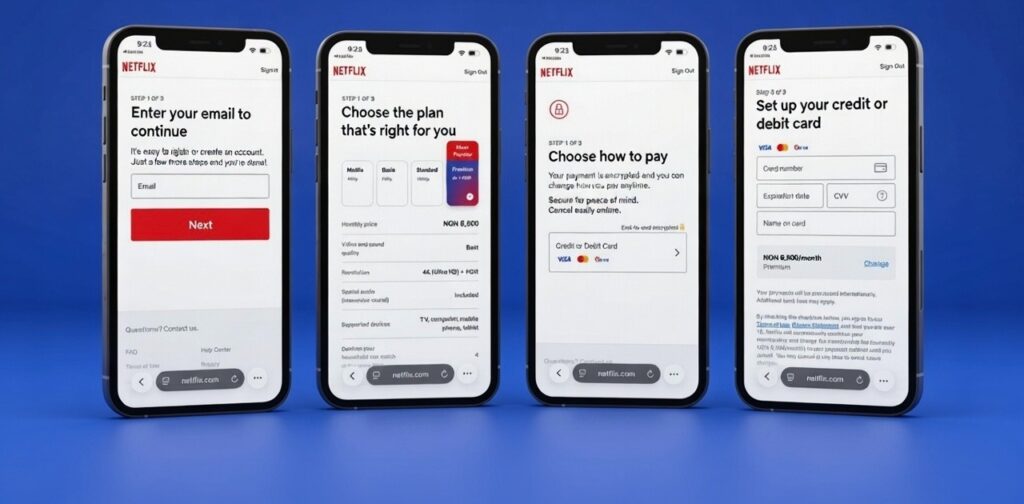
Go to netflix.com or open the Netflix app. Enter your email and create an account. Choose your plan, then select your payment method.
If you are using Nexar Gift Cards, choose the option to redeem a gift card and enter your code. If you are using a virtual dollar card, select card payment and enter the details.
Once completed, you can start watching immediately. Netflix bills monthly, and you can cancel anytime from your account settings.
Netflix Plans and Prices in Nigeria (2026)
Netflix prices change from time to time based on exchange rates. As of 2026, typical prices are:
- Mobile Plan: around ₦2,500 per month
- Basic Plan: around ₦4,000 per month
- Standard Plan: around ₦6,500 per month
- Premium Plan: around ₦8,500 per month
Always check Netflix directly for the latest prices.
Common Netflix Payment Problems and How to Fix Them
If your payment fails, make sure your virtual card or gift card has enough balance to cover both the subscription and exchange rate changes.
If Netflix says your card is not supported, switch to a Nexar Gift Card or a virtual dollar card.
If you see small temporary charges, they are usually authorization holds and will be reversed.
If you notice suspicious activity, change your Netflix password and review your billing history.
Frequently Asked Questions
Can I pay for Netflix in Nigeria without a debit card?
Yes. Nexar Gift Cards and virtual dollar cards allow you to subscribe without using a Nigerian debit card.
Do Nexar Gift Cards expire?
No. The balance stays on your Netflix account until it is used.
Can I cancel Netflix anytime?
Yes. You can cancel whenever you want and still watch until the end of the billing period.
Conclusion
Paying for Netflix in Nigeria does not have to be stressful. With Nexar Gift Cards, you can subscribe without sharing your bank details, avoid surprise charges, and stay in full control of your spending. If you prefer recurring billing, virtual dollar cards are also a solid option.
Pick what works for you, set it up once, and enjoy uninterrupted streaming without payment drama.