The rise of eSIM technology has made mobile connectivity faster and more convenient, especially for people who use digital services, remote work tools, or need multiple numbers. Yet, many users experience one recurring frustration: eSIM not activating.
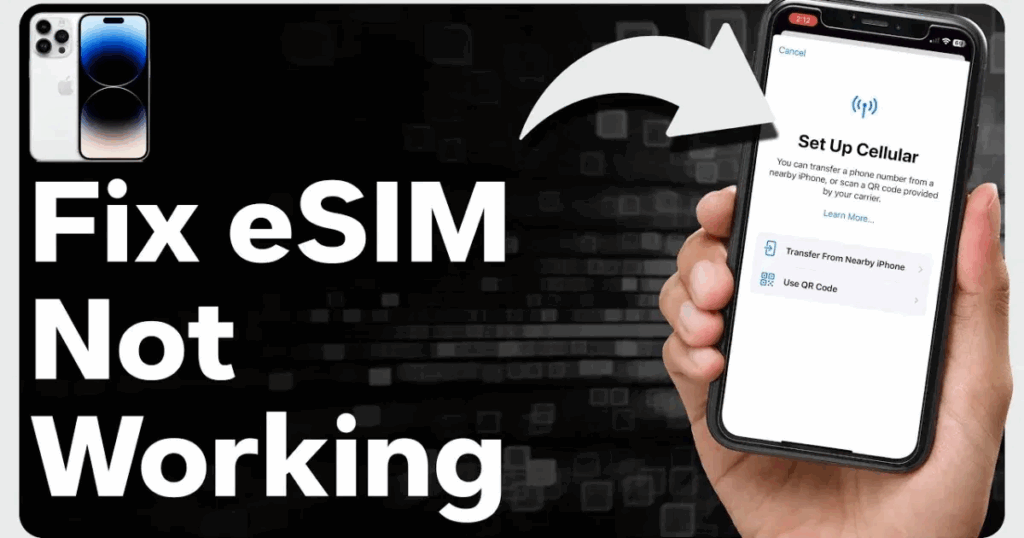
If you are in Nigeria and your eSIM refuses to load, keeps showing an error, or gets stuck on the activation screen, you’re not alone. This guide explains the most common causes of eSIM activation problems, why they happen, and proven steps to fix eSIM issues in Nigeria.
Whether you’re using an eSIM for WhatsApp, social media verification, international calls, or a virtual number service like Nexar, this article gives you the clarity you need to get your eSIM working.
What Is an eSIM and Why Activation Problems Happen
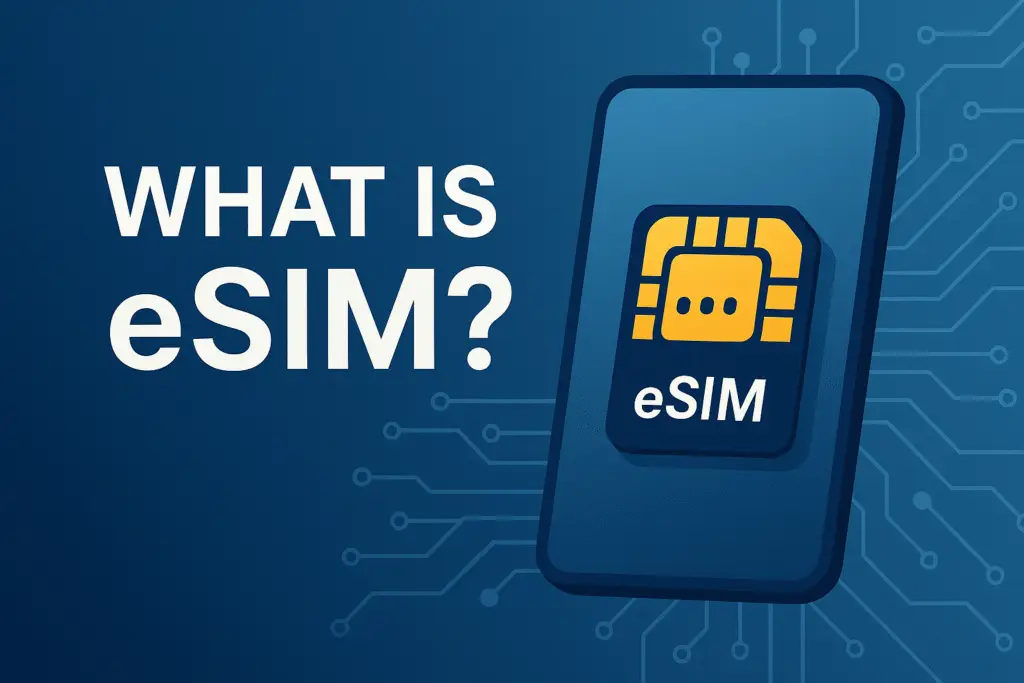
An eSIM is a digital SIM embedded in your device. Unlike physical SIM cards, an eSIM doesn’t need swapping or inserting. Instead, you scan a QR code or enter an activation code from your provider.
However, because eSIMs depend on internet connectivity, device compatibility, and network support, activation issues are common. When you experience eSIM not activating, the root cause is usually one of the following:
- Device not compatible with the eSIM profile
- Network restrictions in Nigeria
- Incorrect QR code or activation details
- Internet connection too weak to download the eSIM
- Old device software
- Provider-side outage or delay
The good news is that every issue has a solution.
Common Reasons Your eSIM Is Not Activating in Nigeria
Below are the most frequent causes of eSIM not activating for Nigerian users, along with how to fix each problem.
1. Your Device Is Not eSIM-Compatible
Not all smartphones support eSIM technology. Even within the same brand, only specific models allow digital SIM activation.
How to Fix It:
- Check your device compatibility on your provider’s site or the smartphone brand’s official page.
- Update your device software.
- If using a dual-SIM phone, confirm that the secondary SIM slot supports eSIM.
2. Weak or Unstable Internet Connection
Your eSIM can only download and activate using a strong internet connection. Slow Wi-Fi or mobile data interruptions can cause eSIM activation problems.
How to Fix It:
- Switch to a stable Wi-Fi network before scanning your QR code.
- Turn off VPN if active, as it can block eSIM provisioning servers.
- Restart the activation process with stronger internet.
3. Incorrect or Expired QR Code
If your QR code has been used before, expired, or partially scanned, you’ll likely experience eSIM not activating.
How to Fix It:
- Request a fresh QR code from your eSIM provider.
- Ensure your camera scans the entire code without obstruction.
- Avoid screenshots of low quality.
4. Your Device Software Is Out of Date
Outdated iOS or Android software can block new network profiles.
How to Fix It:
- Go to Settings > Software Update and install the latest version.
- Restart your phone and retry the eSIM activation.
- Ensure your phone storage is not full, as it can prevent configuration downloads.
5. Network Provider Restrictions
Some network providers in Nigeria still have limited eSIM support. If your provider does not support eSIM for your device model, the activation will fail.
How to Fix It:
- Confirm your network supports eSIM for your specific phone.
- Switch to a provider with stronger eSIM infrastructure.
- Contact customer support to check if your line has eSIM enabled.
6. Server Delays or Provider-Side Issues
Sometimes the problem isn’t your device at all. Provider servers can delay activation, especially during peak hours.
How to Fix It:
- Wait 5–10 minutes and retry the activation.
- Restart your phone and network settings.
- Contact your eSIM provider to confirm if their servers are stable.
How to Fix eSIM Issues instantly: Full Step-by-Step Guide
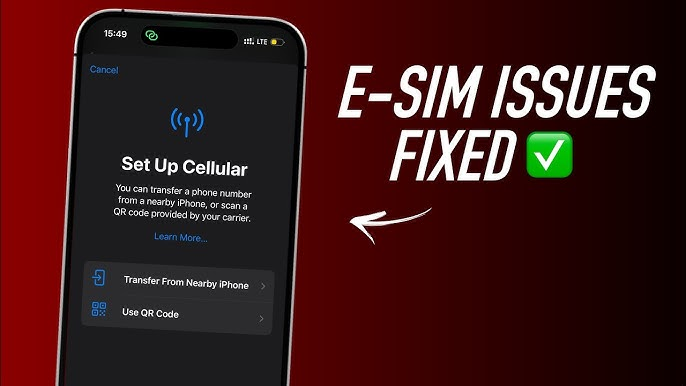
If your eSIM not activating persists, follow this complete troubleshooting checklist:
- Ensure your device supports eSIM.
- Update to the latest Android or iOS version.
- Connect to fast Wi-Fi instead of mobile data.
- Turn off VPN before activation.
- Scan a fresh QR code from your provider.
- Restart your phone after each activation attempt.
- Reset network settings (without deleting data).
- Confirm your provider’s server is active.
- Try activating at a different time if servers are congested.
- Contact support for manual provisioning.
Following these steps resolves 90% of eSIM activation problems instantly.
How Nexar Helps You Fix eSIM Problems Faster
If you use eSIMs, virtual numbers, or verification services through Nexar, you get access to:
- Immediate support when your eSIM is not activating
- High-quality virtual numbers to avoid repeated OTP failures
- Faster provisioning with stable servers
- Step-by-step guidance for new users
- Compatibility checks before purchase
Nexar ensures a smooth onboarding process so you spend less time troubleshooting and more time connecting.
FAQs About eSIM Not Activating
1. Why is my eSIM not activating on my device?
This usually happens due to compatibility issues, weak internet connection, expired QR code, outdated software, or provider restrictions.
2. How can I fix eSIM activation problems in Nigeria?
Ensure your device is compatible, update your software, use stable Wi-Fi, turn off VPN, and request a fresh QR code from your provider.
3. Why is my phone showing an eSIM activation error?
This error appears when your device cannot load the configuration file. Restart your phone, check your network, and retry the download.
4. Can outdated software cause eSIM activation issues?
Yes. Old iOS or Android software can block eSIM installation. Updating your device often resolves the problem immediately.
5. What should I do if my eSIM is still not activating after trying everything?
Contact your provider’s support team. They can re-provision your eSIM, issue a new QR code, or check for server-related delays.
6. Can I use Nexar eSIM to make local calls?
Nexar eSIM is for data only, so you can’t use it for traditional calls or SMS texts; it’s meant to give you internet access for browsing, maps, and apps when you travel. If you want to make calls or send messages, you can use internet-based apps like WhatsApp, FaceTime, or Skype, which work perfectly over the data connection provided by the eSIM
7. Can I use the eSIM of a foreign country in Nigeria?
No, you cannot. Nexar’s Data-Only eSIM is to help make internet access easy for the users. For example, if you travel to USA, instead of having to worry about getting a sim and connecting to the internet, Nexar eSim is available to make your internet access easy with just a few clicks.