
Trying to sign up on international platforms and getting blocked because your Nigerian number won’t work can be frustrating.
Many apps require foreign numbers before they allow full access or send OTP verification codes. When that happens, users often turn to a Sweden virtual number to receive SMS online and complete verification.
In this guide, you’ll learn how to receive SMS online using a Sweden virtual number, how it works, and how to set it up in a few simple steps.
What is a Sweden virtual number?
A Sweden virtual number is a phone number from Sweden that works over the internet without a physical SIM card.
Instead of receiving messages on a physical phone, SMS messages are delivered to an online dashboard where you can view them instantly.
It is mainly used for OTP verification and account creation on international platforms.
You can use a Sweden virtual number for:
- Receiving OTP codes for account verification
- Signing up on global platforms
- Creating accounts that require Swedish numbers
- Using a Sweden virtual number for WhatsApp
Why people use a Sweden virtual number
Most people use a Sweden virtual number for verification when they are unable to complete signup with their local number.
Some platforms do not accept Nigerian numbers or fail to deliver OTP messages during registration. In such cases, a Sweden virtual number helps complete the process.
It is also widely used by freelancers, remote workers, and digital marketers who manage multiple accounts across different platforms.
For others, it is simply about convenience and privacy, especially when signing up for new or unfamiliar services.
How to receive SMS online to Sweden virtual number (step-by-step)
To get a virtual number, you can either watch this short video or follow the steps below:
Step 1: Head over to nexarhq.com
Open the Nexar website on your browser or download the mobile app to begin.
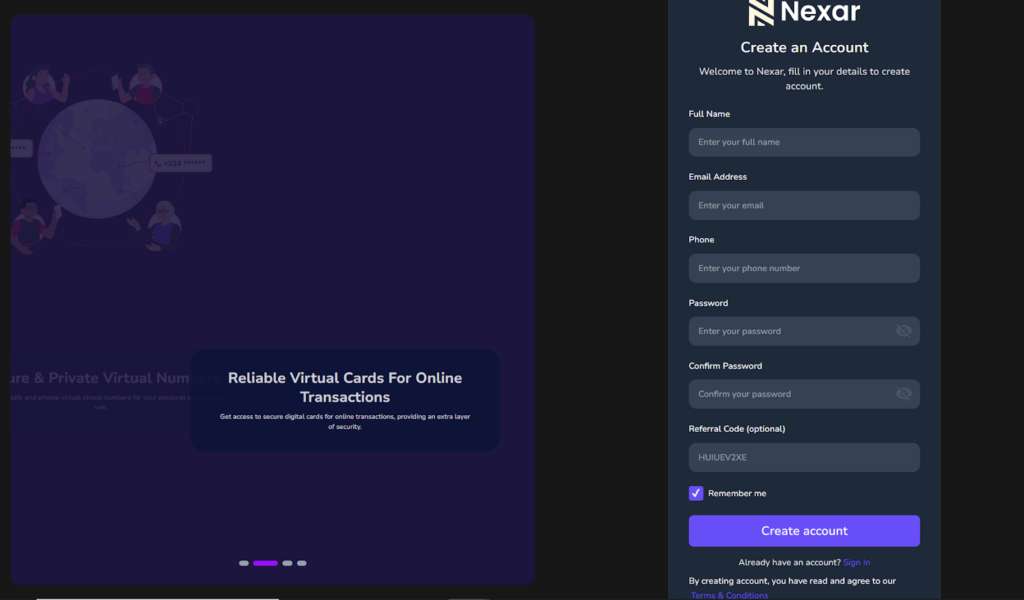
Step 2: Create your account
Sign up using your email or phone number and log into your dashboard.
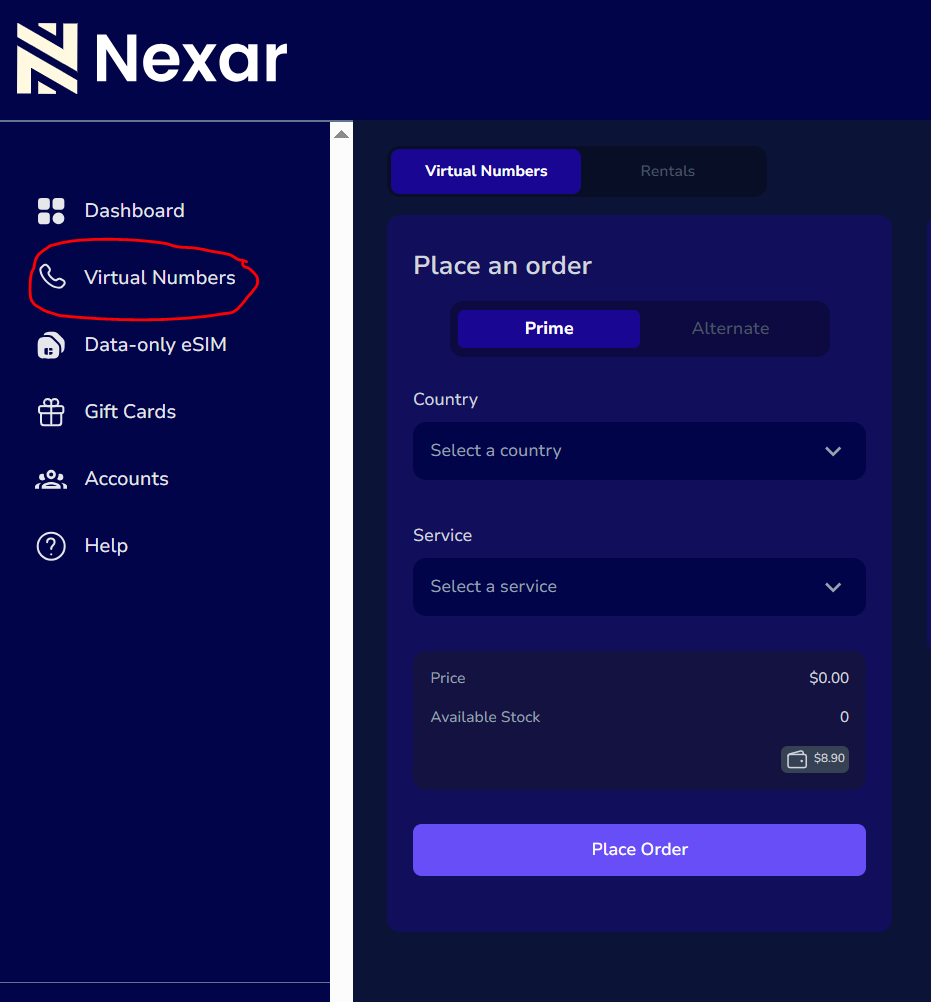
Step 3: Navigate to virtual numbers
From your dashboard, open the virtual numbers section where all available countries are listed.
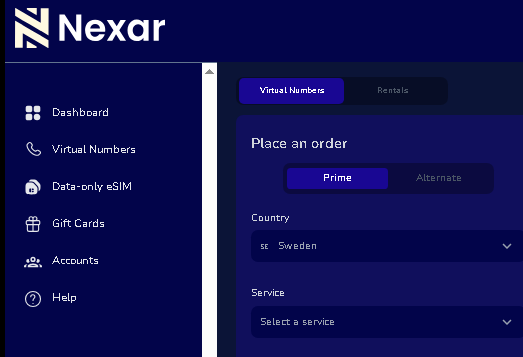
Step 4: Select Sweden
Choose Sweden from the list of countries and select the service you want to verify.
Step 5: Receive your OTP
Once activated, any SMS sent to your virtual number will appear directly on your Nexar dashboard in real time.
You can then copy the OTP and complete your verification instantly.
Use cases of a Sweden virtual number
A Sweden virtual number is commonly used for account verification across different platforms.
It is useful for signing up on social media apps, email services, freelancing platforms, and other international websites that require phone verification.
Many users also use it for WhatsApp verification when creating business or secondary accounts.
It helps keep personal numbers separate while managing multiple online activities more efficiently.
Can you use a Sweden virtual number for WhatsApp?
Yes, a Sweden virtual number for WhatsApp can be used to create and verify WhatsApp accounts as long as it supports SMS delivery.
During registration, you enter the number, receive the OTP, and complete verification through WhatsApp.
This is commonly used for business accounts or separating personal and work communication.
FAQs
1. What is an OTP Sweden number used for?
An OTP Sweden number is used to receive verification codes required for signing up or logging into online platforms.
2. Can I use a it for account verification?
Yes. It is commonly used to verify accounts on apps and websites that require international phone numbers.
3. Do I need a physical SIM card to receive SMS online?
No. A Sweden virtual number works completely online through a dashboard without a physical SIM.
4. Can I use it for WhatsApp registration?
Yes. A Sweden virtual number for WhatsApp can be used to create and verify accounts that require SMS OTP.
Final Thoughts
Receiving SMS online using a Sweden virtual number is a simple way to complete verification on platforms that require foreign numbers.
With the right setup, you can receive OTP codes instantly and access services without restrictions.Head over to Nexarhq.com to get started.