
In today’s world, staying in touch is key. WhatsApp is a top choice for many in Nigeria for both personal and work chats. But, sometimes, a virtual number won’t connect to WhatsApp, which can really mess up your plans.
This issue might come from a few places. It could be because of account checks, phone settings, or the virtual number service itself. Knowing what’s causing the problem is the first step to solving it. We’ll look into why this happens and how to fix the WhatsApp number issue.
Understanding Virtual Numbers and WhatsApp Compatibility

Virtual numbers are becoming more popular, leading to questions about their use with apps like WhatsApp. It’s important to know what virtual numbers are and how WhatsApp checks phone numbers.
What Are Virtual Numbers?
A virtual number (OTP-only) is a non-physical phone number used only to receive one-time passwords for account verification. You don’t make calls or send texts with it. You simply use it to get login or signup codes from apps and websites.
How WhatsApp Verifies Phone Numbers
WhatsApp checks phone numbers by sending a code via SMS or a call. When you sign up, WhatsApp sends a code to your number. You must enter this code to finish the verification. This makes sure you have the number and helps stop spam or fake accounts.
Why Nigerian Users Face Unique Challenges
Nigerian users might face special problems with virtual numbers and WhatsApp. This is because of the country’s rules and WhatsApp’s verification rules. WhatsApp might be extra careful with certain numbers, causing verification issues or delays.
Knowing these challenges is key for Nigerian users who use virtual numbers. By understanding these problems, users can find ways to fix them or look for other solutions.
Common Reasons Why Your Virtual Number is Not Connecting to WhatsApp
Many Nigerians are having trouble with their virtual numbers not working with WhatsApp. There are several reasons for this problem. Knowing these reasons is key to fixing the issue and making sure your virtual number works well with WhatsApp.
1. WhatsApp’s Policy on Virtual Numbers
WhatsApp has strict rules about virtual numbers. They are often used for spam and fraud. WhatsApp’s policy aims to protect users, but it can block legitimate numbers too.
2. Blocked or Flagged Number Ranges
WhatsApp blocks some number ranges to stop spam and abuse. This can affect users with legitimate virtual numbers. Users might need to get a different number from their provider to avoid this.
3. Verification SMS/Call Limitations
WhatsApp uses SMS or calls to verify numbers. But, some virtual number providers may not support this. This can cause verification failures and connection problems.
4. Country-Specific Restrictions
So many countries have strict rules that can affect virtual numbers. WhatsApp also has country-specific rules that can impact connections. Knowing these rules is important to fix connection issues.
5. Service Provider Limitations
The quality of your virtual number provider matters for WhatsApp connectivity. Some providers may not offer reliable connections. Choosing a good provider like Nexar is key for smooth WhatsApp use.
How to Identify If Your Virtual Number Is Blocked by WhatsApp
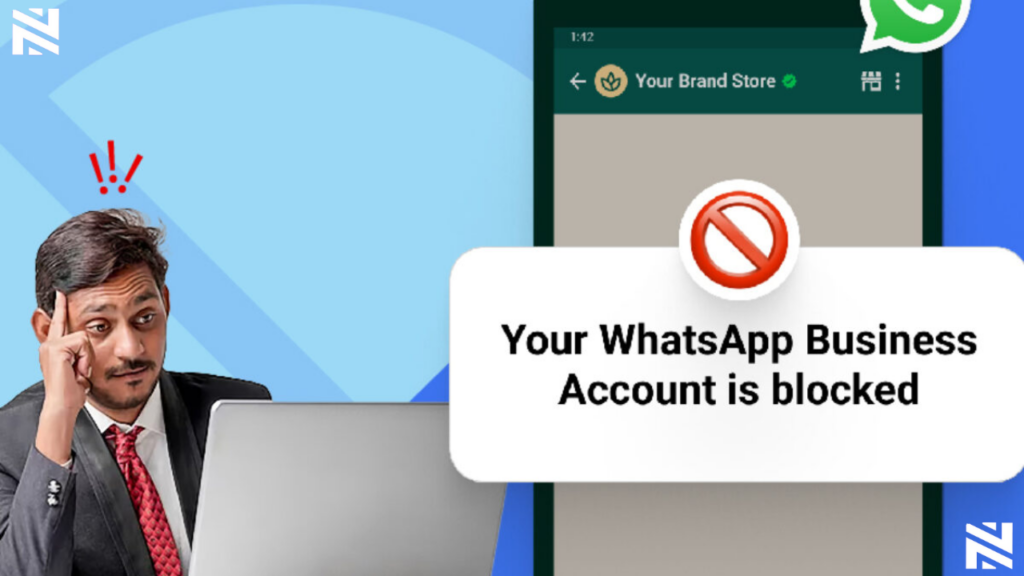
First, find out if your virtual number is blocked by WhatsApp. If you can’t verify your number, it might be due to WhatsApp’s rules or issues with your number range.
Error Messages and Their Meanings
Error messages are key signs that your virtual number is blocked. WhatsApp shows an error message if it can’t verify your number. For example, “Verification failed” or “Your phone number is not allowed” mean there’s a problem.
“Verification failed” means WhatsApp blocked your number or there’s a verification issue. “Your phone number is not allowed” shows WhatsApp doesn’t support your number or it’s flagged.
Verification Timeout Issues
Verification timeout issues also suggest your number might be blocked. If you don’t get the verification code or the process keeps timing out, it could be a restriction from WhatsApp.
WhatsApp support says, “Verification codes may not be delivered due to issues with your phone number or carrier.” This shows why checking if your number is supported is crucial.
Testing Your Virtual Number’s Status
To check if your number is blocked, try verifying it on another device or with a different WhatsApp account. If you still have problems, your number might not be supported by WhatsApp.
A WhatsApp spokesperson said, “We take measures to prevent abuse on our platform, which may include blocking certain numbers or number ranges.” This emphasizes the need to ensure your number meets WhatsApp’s policies.
Step-by-Step Troubleshooting for WhatsApp Verification Issues
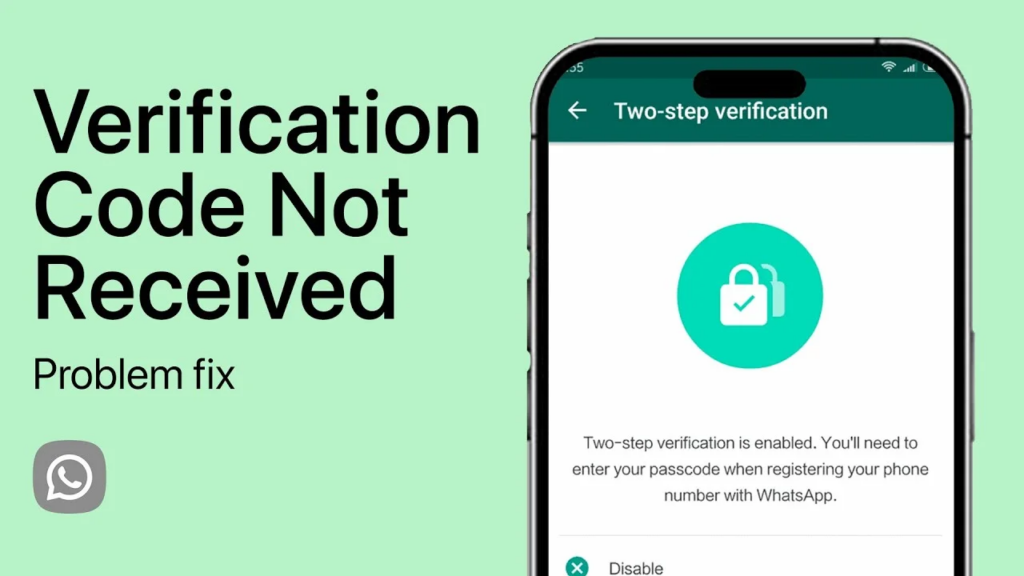
When WhatsApp can’t verify your virtual number, it’s really frustrating. But don’t worry, there are steps you can take to fix it. Troubleshooting is a method to find and solve problems.
1. Check Number Format and Country Code
First, make sure your virtual number is right. It should have the correct country code . WhatsApp needs the right country code to verify your number. Remove any unnecessary characters or spaces from your number.
2. Verify Internet Connection Stability
A stable internet connection is key for WhatsApp verification. Make sure your internet is working well.
- Check your internet speed to ensure it’s stable.
- Try switching between Wi-Fi and mobile data to see if the issue persists.
3. Clear Cache and App Data
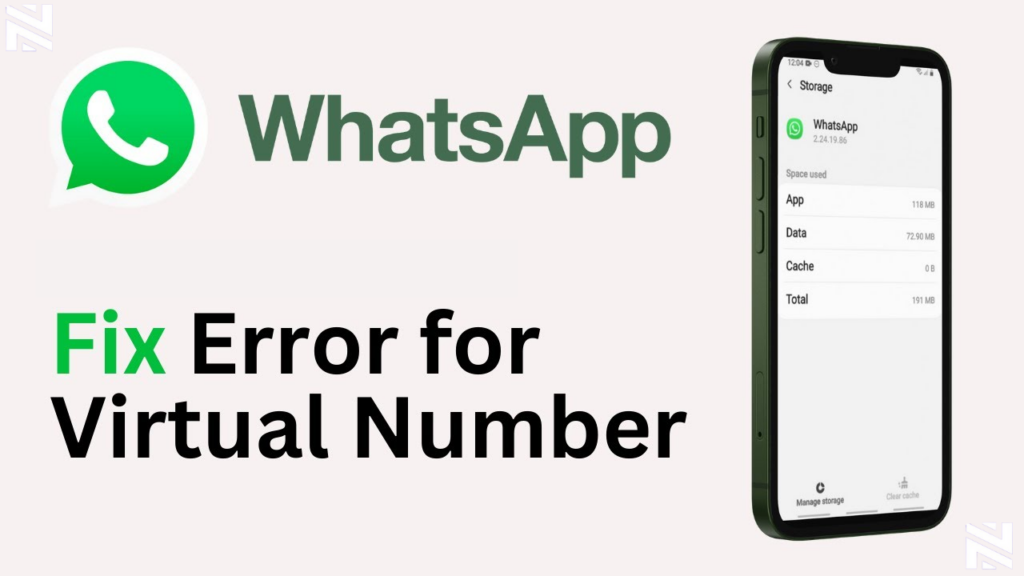
Clearing WhatsApp’s cache and app data can fix verification issues. It removes any bad data that might be the reason your virtual number is not connecting to Whatsapp.
For Android Devices
- Go to Settings > Storage > Apps > WhatsApp.
- Tap on “Clear Cache” and “Clear Data.”
For iOS Devices
- Go to Settings > WhatsApp.
- Tap on “Reset WhatsApp” to clear data.
4. Reinstall WhatsApp Properly
If the previous steps don’t work, try reinstalling WhatsApp. This can fix problems caused by a bad app installation.
To reinstall WhatsApp:
- Uninstall WhatsApp from your device.
- Restart your device.
- Reinstall WhatsApp from the App Store or Google Play Store.
By following these steps, you should be able to fix WhatsApp verification issues with your virtual number.
Advanced Solutions to Fix WhatsApp Number Issue
For those who can’t fix WhatsApp number issues with basic steps, there are more advanced solutions. Look into alternative verification methods and support options when simple fixes don’t work.
1. Contact WhatsApp Support Effectively
If you’re still having trouble after trying out basic fixes, reaching out to WhatsApp support is a good idea. Make sure you have all the necessary information, like your virtual number and details of the problem. Clear and concise communication with WhatsApp support can significantly improve the chances of resolving your issue.
2. Use Alternative Verification Methods
WhatsApp usually uses SMS or calls for verification. But, other methods can help when these don’t work. Using a different phone number or a landline might solve the problem. Alternative verification methods can provide a workaround when standard processes are blocked.
Some virtual number providers like Nexar offer extra verification services for WhatsApp. These services might help keep the verification process stable.
Best Third-Party Verification Services Available in Nigeria
In Nigeria, there are third-party services that offer verification solutions for WhatsApp. These services might provide more stable or alternative verification methods. Exploring these options can be beneficial if you’re struggling with WhatsApp verification.
- Nexar Virtual Number Services
- Nexmo Verification Services
- Twilio SMS Verification
- MessageBird API Solutions
In Nigeria, finding a virtual number provider that works well with WhatsApp is key. Businesses and individuals need reliable WhatsApp compatibility. There are many providers, so picking the right one is important.
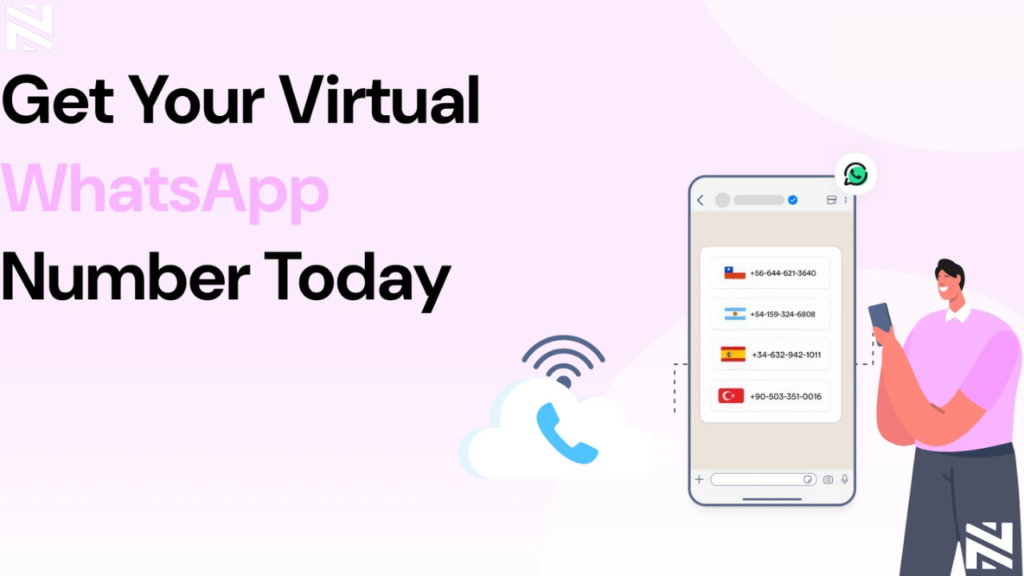
Nexar is known for its WhatsApp-compatible numbers. Nexar’s virtual numbers are designed to work efficiently with WhatsApp. This means users can send and receive messages smoothly. Visit website>>
FREQUENTLY ASKED QUESTIONS (FAQs)
1. How do I know if my virtual number is blocked by WhatsApp?
Look for error messages or if verification takes too long. Try checking if your number is blocked.
2. Can I use alternative verification methods for WhatsApp with my virtual number?
Yes, you can. Try contacting WhatsApp support or use third-party services like Nexar in Nigeria.
3. What are the best virtual number providers compatible with WhatsApp in Nigeria?
Nexar is the best choice. But you can compare features and WhatsApp reliability with other providers.
4. How do I troubleshoot WhatsApp number issues with Nexar virtual numbers?
Check your number format and internet connection. Clear cache and app data. Reinstall WhatsApp to fix issues.
5. How do I protect my privacy and security when using virtual numbers with WhatsApp?
Follow WhatsApp’s rules and take steps to keep your info safe when using virtual numbers.