
Staying connected is essential in today’s digital world — whether you’re working remotely, running a business, or simply catching up with loved ones. With Nexar, you can buy airtime & data online in seconds, anytime and anywhere.
In this guide, you’ll learn how to buy data on Nexar using the website or app, plus how to fund your wallet, track your top-ups, and enjoy the best network rates in Nigeria.
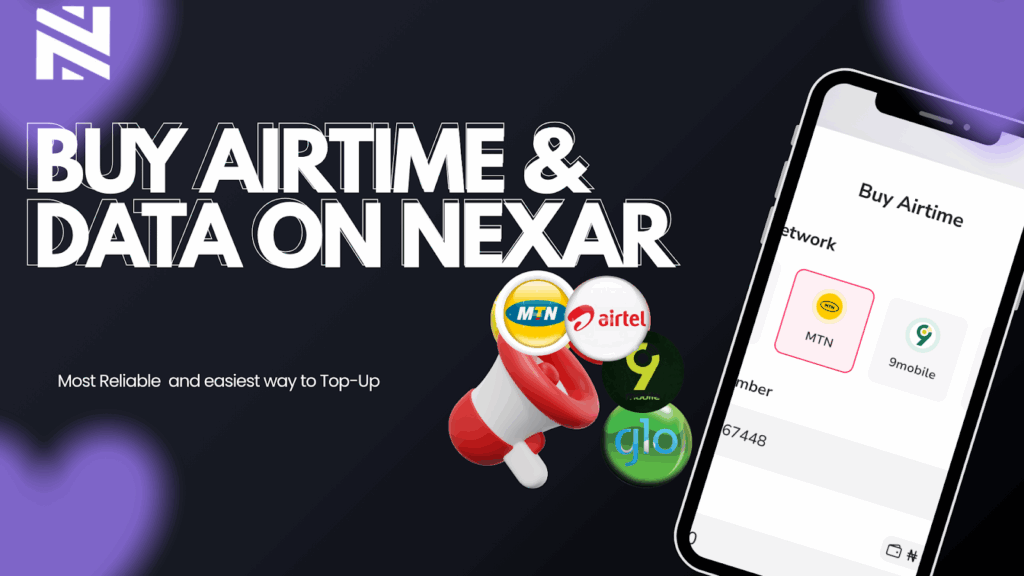
Why Buy Airtime & Data on Nexar?
Unlike unreliable mobile apps or bank USSD codes that often fail during peak hours, Nexar gives you a fast, secure, and wallet-based platform to handle all your recharges in one place.
Here’s why thousands of users now buy data on Nexar every day:
- Instant Delivery: Airtime and data reflect within seconds after payment.
- Multiple Networks Supported: MTN, Airtel, Glo, and 9mobile — all available.
- Wallet-Based Payments: No card errors or failed debits.
- 24/7 Access: Recharge anytime — day or night, even during bank downtime.
- Affordable Rates: Nexar offers some of the best value data bundles in Nigeria.
Step-by-Step: How to Buy Data on Nexar
Step 1: Create or Log in to Your Nexar Account
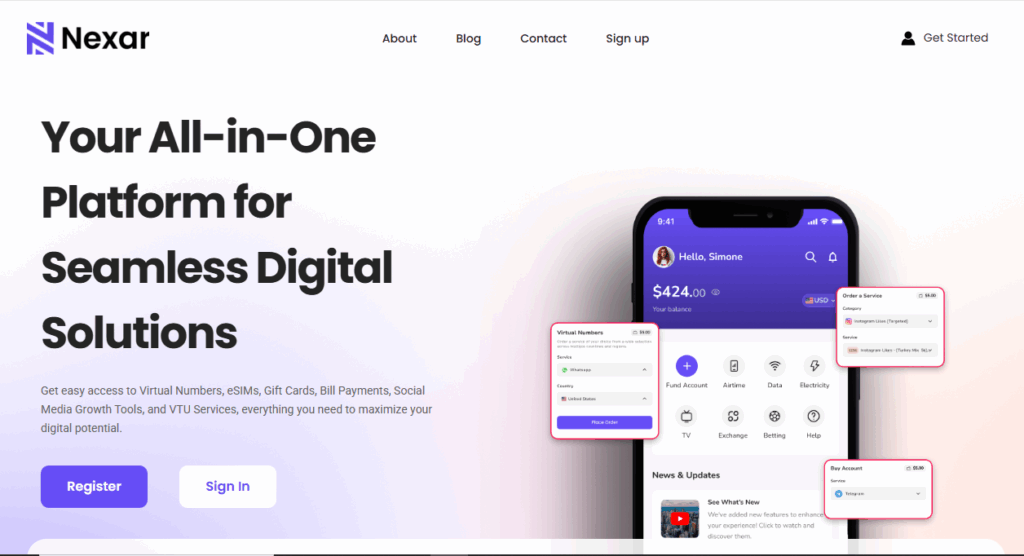
Go to nexarhq.com or open the Nexar app on your device.
Log in using your email or phone number. If you’re new, sign up for free — it takes less than a minute.
Step 2: Fund Your Nexar Wallet
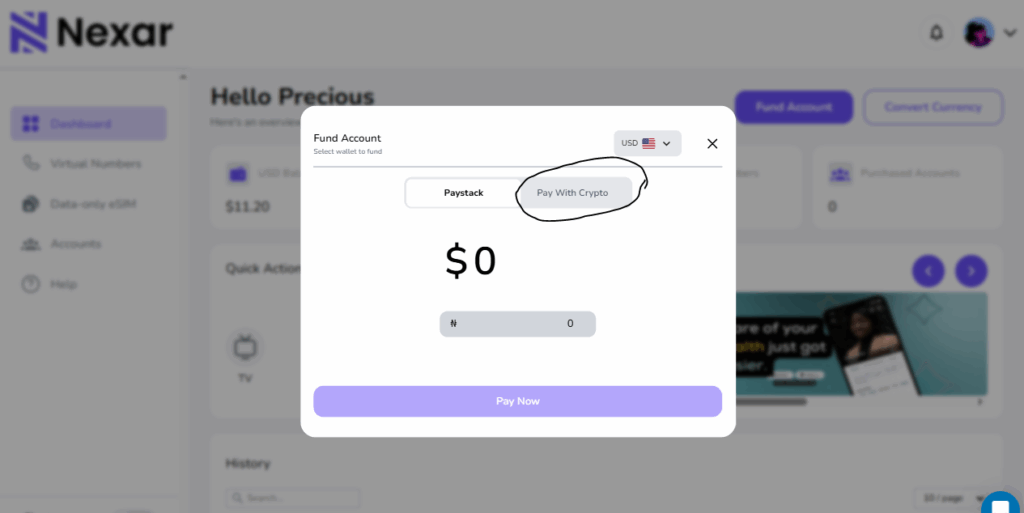
Before you can buy airtime or data on Nexar, you need to fund your wallet. You can do this using
- Bank Transfer (instant reflection)
- Cryptocurrency (USDT or Bitcoin)
- Mobile Money (Momo) — coming soon
Once funded, your Nexar wallet balance can be used for all Nexar services, including gift cards, social media marketing, and utility payments.
Step 3: Go to the “Quick Action” Section
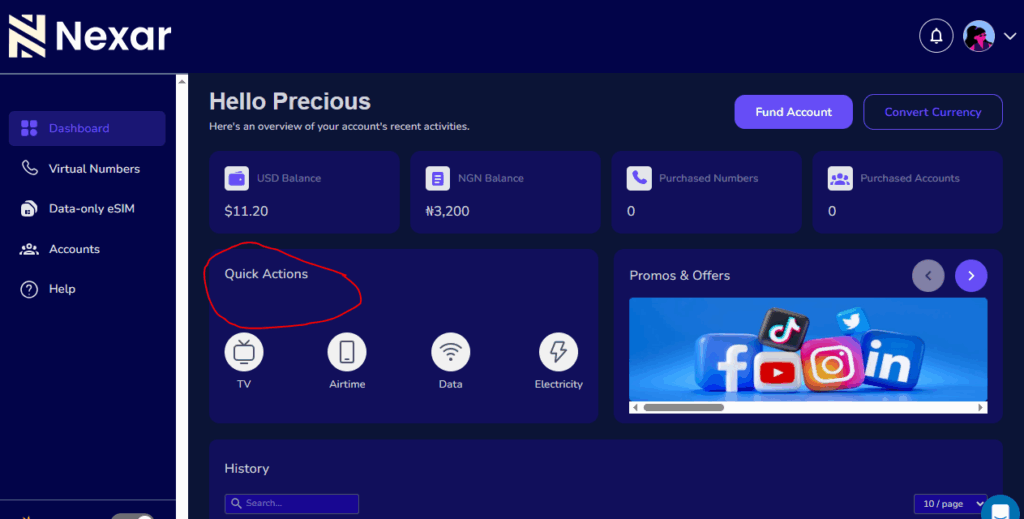
From your dashboard, click “Quick Action.” You’ll see options to buy data on Nexar or purchase airtime directly.
Select your preferred service:
- Airtime Recharge
- Data Bundle Purchase
Step 4: Enter Your Details
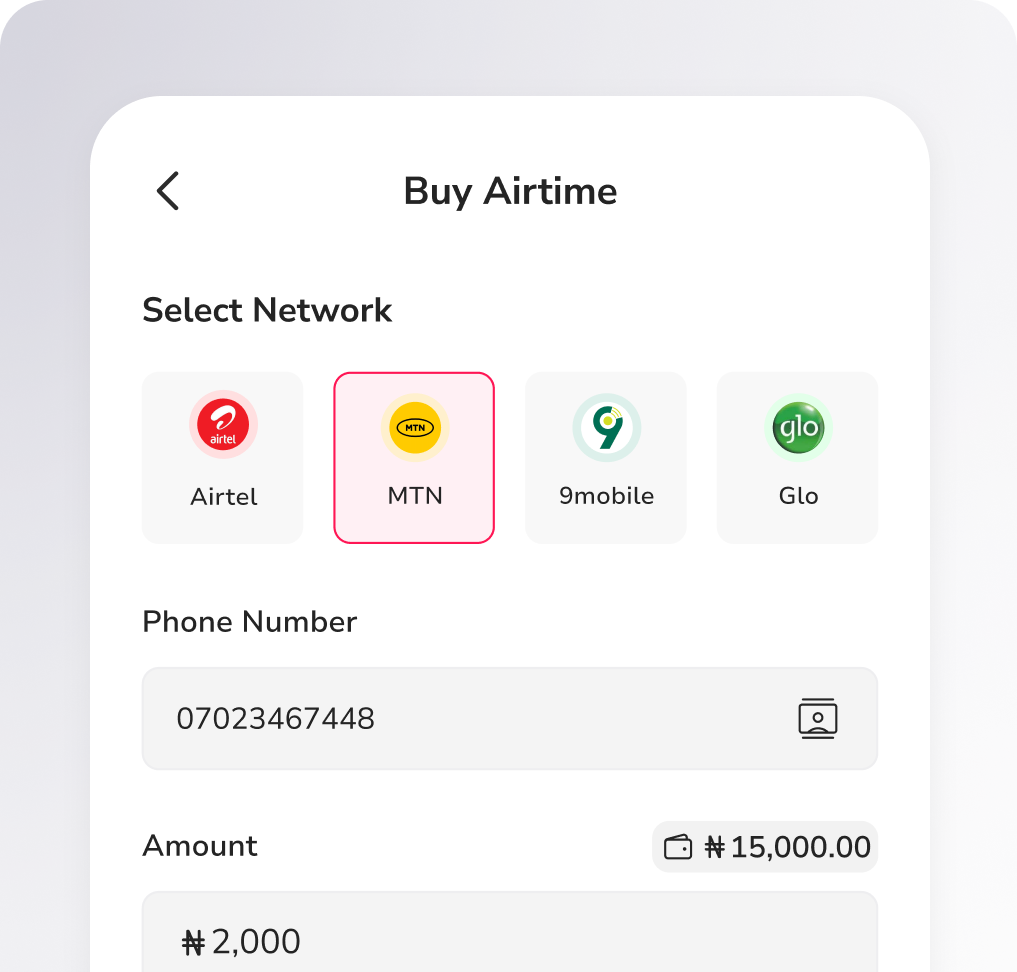
Provide the following information:
- Network Provider: MTN, Airtel, Glo, or 9mobile
- Phone Number: The number to receive the data or airtime
- Amount or Plan: Choose your data plan or airtime amount
You can also buy for family, friends, or clients using their numbers.
Step 5: Confirm and Complete Payment
Click “Buy Now” to finalize your transaction. The amount will be deducted from your wallet, and your data or airtime will be delivered instantly.
That’s it! You’ve successfully learned how to buy data on Nexar — fast, safe, and reliable.
Benefits of Using Nexar to Buy Data and Airtime
- Instant Top-Up: Forget waiting — your recharge reflects within seconds.
- No Hidden Fees: What you see is what you pay.
- All Networks Supported: One platform for all your lines.
- Simple Wallet System: Fund once, use anytime.
- Transaction History: Track every purchase in your dashboard.
- Cross-Border Access: Even if you’re abroad, you can still buy airtime & data on Nexar for Nigerian numbers.
Pro Tips for Buying Data on Nexar
- Save Numbers: Nexar allows you to save frequent contacts for one-click recharges.
- Double-Check Networks: Always confirm you’ve selected the right provider to avoid delays.
- Watch for Promos: Nexar occasionally offers discounted data bundles — don’t miss them!
- Use Your Wallet Balance Wisely: Top up before your balance runs low to avoid service interruptions.
Why Nexar Is the Best Place to Buy Data in Nigeria
Nexar combines speed, reliability, and simplicity in one easy-to-use platform. Whether you’re buying a 500MB plan for daily browsing or a 20GB plan for work, you can buy data on Nexar instantly with just a few clicks.
Plus, Nexar isn’t just for mobile top-ups — it’s a full-service digital platform that lets you:
- Pay bills and subscriptions
- Buy and redeem gift cards
- Access social media boosting tools
- Fund your wallet with crypto or local payment methods
With Nexar, you’re not just buying data — you’re upgrading your entire digital lifestyle.
FAQs — How to Buy Data on Nexar
1. How do I buy data on Nexar?
To buy data on Nexar, log into your account via nexarhq.com or the Nexar app. Go to the “Airtime & Data” section, select your network, enter your phone number, choose a plan, and confirm payment. Your data bundle is activated instantly.
2. Can I buy airtime on Nexar too?
Yes! You can buy airtime on Nexar for any Nigerian network — MTN, Airtel, Glo, or 9mobile. Simply choose “Airtime Recharge” under the Airtime & Data section, enter the amount, and confirm. Your airtime is delivered in seconds.
3. Is it safe to buy airtime & data on Nexar?
Absolutely. All transactions on Nexar are wallet-based and encrypted, ensuring 100% payment security. You never have to share your card details, and every transaction is verified before completion.
4. Can I buy data on Nexar for another person’s number?
Yes, you can buy data on Nexar for friends, family, or clients. Just enter their phone number when filling in the details. The selected plan will be credited directly to their line instantly.
5. What should I do if my data or airtime doesn’t reflect immediately?
Most purchases on Nexar reflect instantly. However, if your buy data on Nexar transaction takes longer than expected, check your transaction history for confirmation or contact Nexar’s customer support. Their team is available 24/7 to assist with verification or refunds if needed.
Final Thought
When you buy data on Nexar, you’re choosing convenience, transparency, and speed. From funding your wallet to instant delivery, Nexar simplifies digital transactions and helps you stay connected — anytime, anywhere.
👉 Visit nexarhq.com today to buy airtime & data on Nexar and enjoy Nigeria’s most seamless recharge experience.