
When you receive a Google Play gift card, the first thing you want to do is redeem it quickly so you can start using it. The good thing is that it’s one of the easiest digital cards to redeem. Whether someone gifted it to you or you bought it for yourself, you can add the balance to your account in a few minutes.
A lot of people in Nigeria buy Google Play gift cards to pay for apps, games, movies, and subscriptions because it’s faster and safer than using a card directly. Once you understand where to redeem it and the steps to follow, the whole process becomes very straightforward.
In this guide, you’ll learn how to redeem your Google Play gift card on your Android phone or on the web, where to buy a Google Play gift card in Nigeria, and how to avoid common errors that people usually run into.
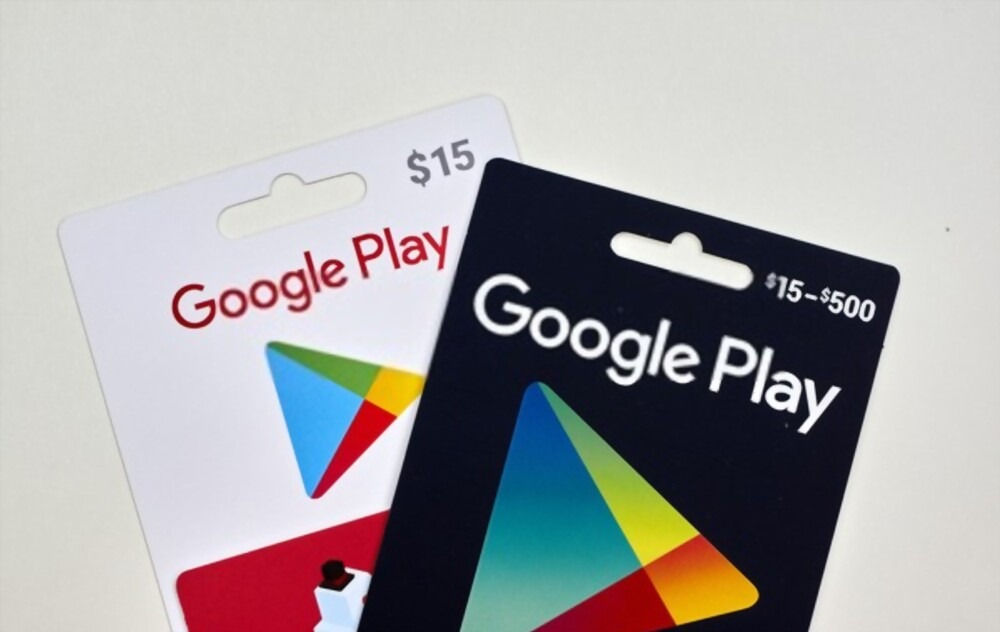
How to Redeem Your Google Play Gift Card on Android
If you’re using an Android phone or tablet, follow these simple steps to redeem your Google Play gift card directly from the Play Store app:
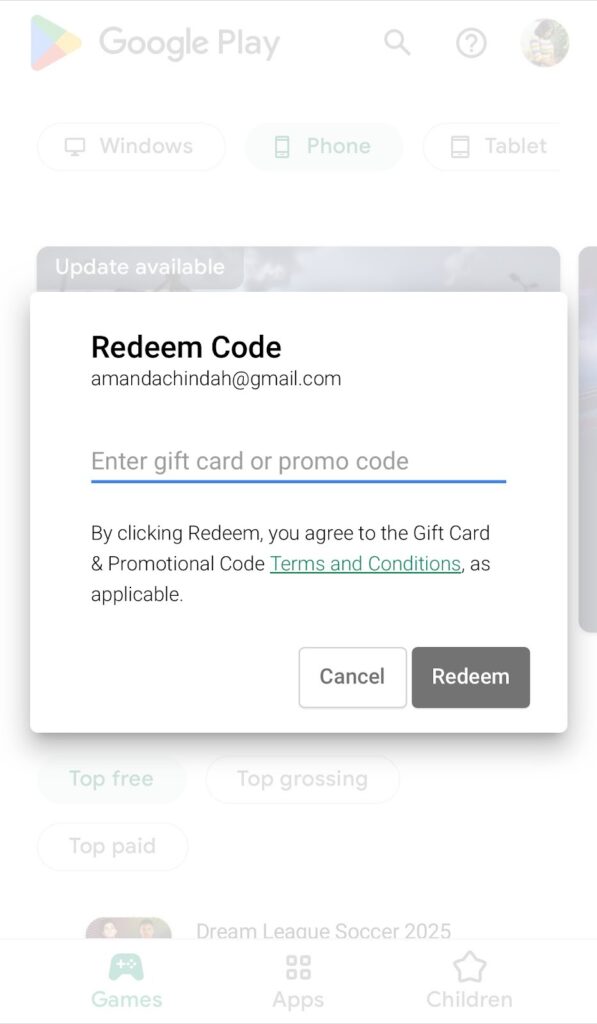
- Open the Google Play Store app.
- Tap your profile icon at the top right corner of the screen.
- Select Payments and subscriptions, then choose Redeem code.
- Enter the gift card code exactly as it appears.
- Tap Redeem and confirm your Google account.
Once redeemed, the balance is instantly added to your account. You can now use your Google Play gift card to buy apps, games, books, and other digital items on Google Play.
How to Redeem Your Google Play Gift Card on the Web
If you prefer using a laptop or desktop, you can also redeem your Google Play gift card through your browser:
- Visit Google Play Redeem.
- Sign in with the same Google account linked to your Android device.
- Enter your 16-digit gift card code and click Redeem.
The amount will be credited immediately to your account balance. You can confirm by checking your Payment Methods page under your Play Store settings.
For additional verification or technical troubleshooting, you can always visit the official Google Play Support page.
Where to Get a Google Play Gift Card in Nigeria
If you’re wondering where to buy a Google Play gift card Nigeria, several platforms now make it easy. You can purchase genuine cards online through verified stores, or directly from platforms like Nexar which provide digital codes instantly after payment. This makes it faster, safer, and more convenient than buying physical cards.
Once purchased, the code can be used immediately. Always ensure you are buying from trusted vendors to avoid invalid or region-locked cards.
Common Issues When Redeeming Google Play Gift Cards
Sometimes, users encounter errors when trying to redeem their Google Play gift card. Here are a few common problems and how to fix them:
- Invalid Code: Double-check that you typed the characters correctly. Avoid spaces or special symbols.
- Region Restriction: If your Google account is set to a different country, you may need to change it to Nigeria before redeeming a Google Play gift card Nigeria.
- Already Used: Ensure the card hasn’t been redeemed before. Contact Google Play Support if this happens.
- Connectivity Problems: Make sure your internet connection is strong, especially when redeeming through the app.
How to Use Your Google Play Gift Card
Once your balance is added, you can use your Google Play gift card to pay for a variety of digital services. You can buy premium apps, rent or purchase movies, upgrade games, or subscribe to music and cloud services.
To make a purchase:
- Open the Google Play Store and select the item you want to buy.
- Tap the price and choose Google Play balance as your payment method.
- Confirm the purchase and enjoy instant access.
Your balance will automatically reduce based on what you spend, and you can check your remaining balance at any time in your Google Play account settings.
Final Thoughts
Whether you’re gifting someone or topping up your own balance, learning how to redeem your Google Play gift card is one of the easiest ways to unlock access to thousands of digital experiences. In Nigeria, digital gifting has become more common, and Google Play gift cards are a simple, secure, and flexible option.
Always redeem your code using official Google channels, ensure your account matches your region, and double-check the source before purchase. Once your card is redeemed, you’re ready to explore everything Google Play has to offer—from premium apps and games to entertainment subscriptions.